Seamless workflows for every editor
Ci Media Cloud works with your favorite NLEs, making post-production faster, more secure, and more collaborative. Access, import, edit, and share—directly from your timeline.


NLEs that do more
Access
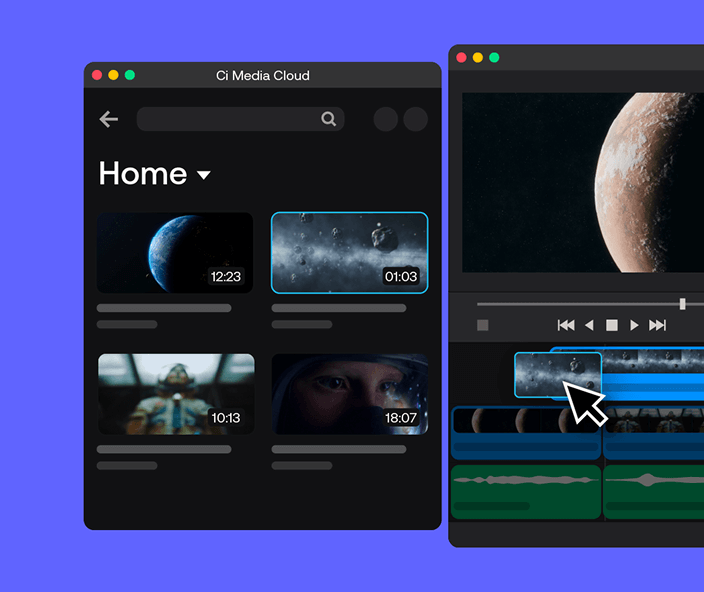
- Instant global access to files, live streams, proxies and metadata
- Browse and search for files across your Workspaces
- Download proxies to kick-off a proxy workflow
Export

- Relink to high res proxies or source files
- Quickly upload sequences and project files with Ci Transfer
- Encode with preset profiles and export renders to Ci*
*Legacy Premiere Pro extension only
Review
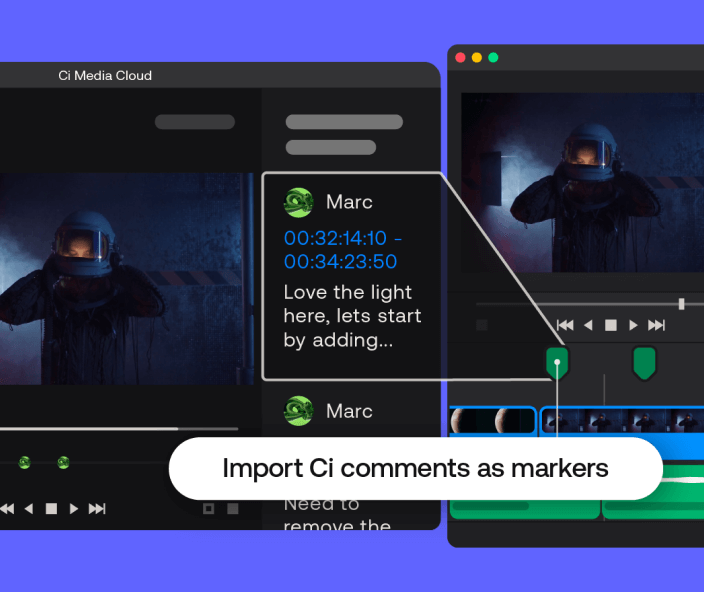
- Import comments as timeline markers
- Export markers as comments in Ci
- Upload to Ci to share cuts with your team or clients

Adobe Premiere Pro
Introducing the all-new Ci Media Cloud for Premiere Pro (UXP). Experience a smarter, more integrated workflow with the latest native panel for Adobe Premiere Pro 25.6 and later.
Install for free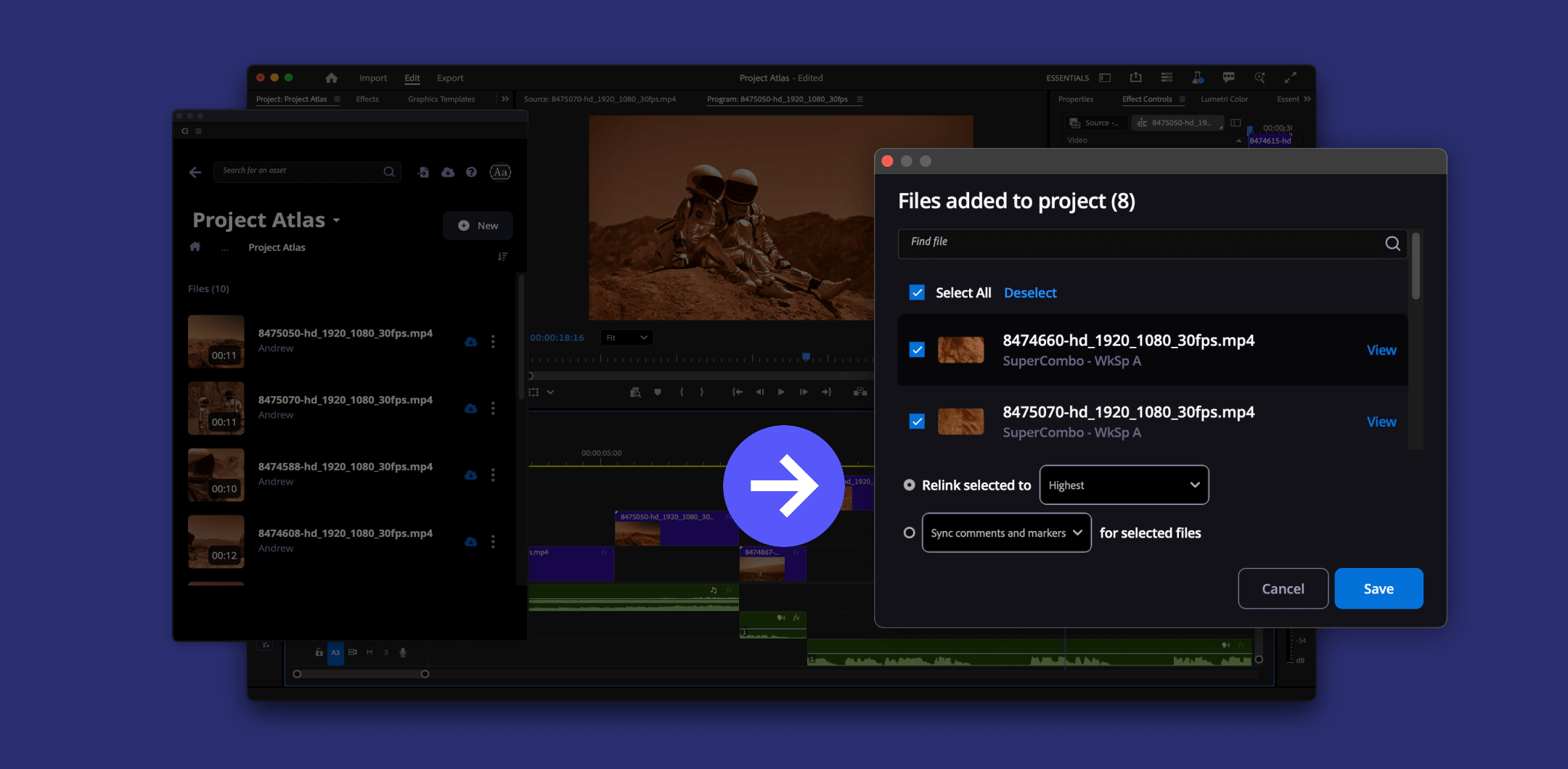
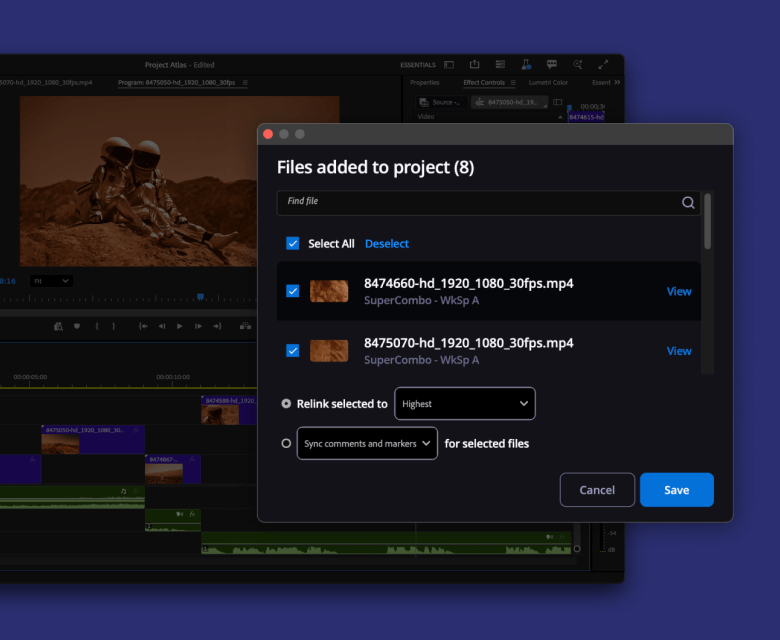
Relink proxies with hi-res or original file
Start editing faster with lightweight proxies. Then, relink proxies to high-res proxies or the source quality in a single click.
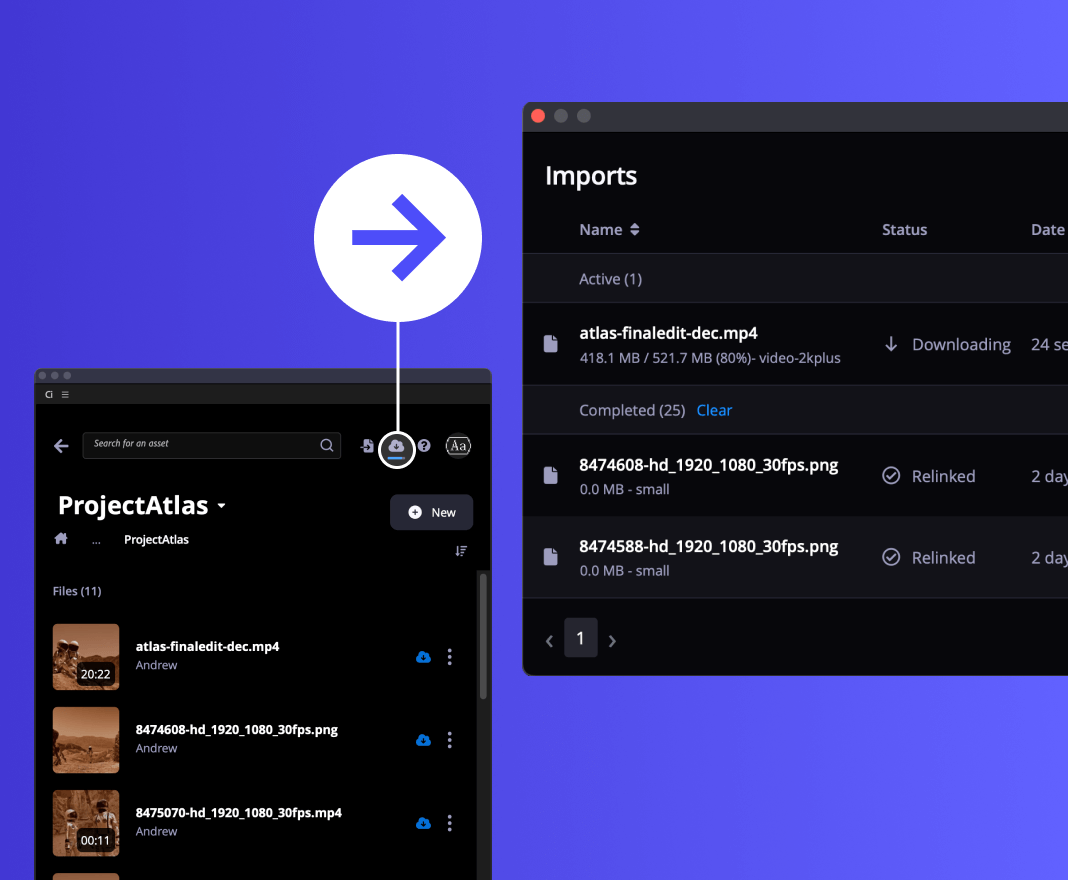
Import progress
Track import progress and relinking in real-time so you stay productive without babysitting a progress bar.

Camera to the cloud
Jumpstart the post-production process by giving editors access to “just shot” footage – no matter where they are.

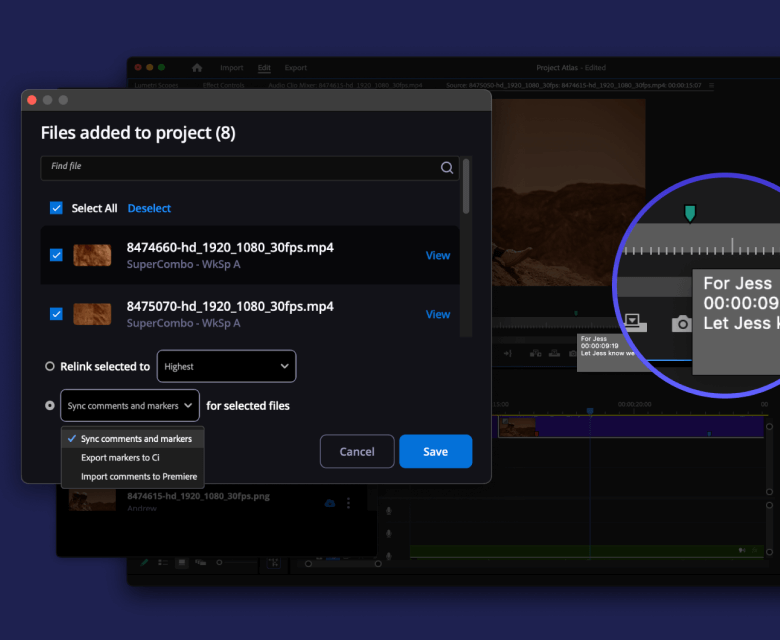
Sync comments and markers between Ci and Premiere Pro
Import comments to your timeline or export markers as Ci comments. Or, sync both ways – all in just one click.
Legacy Ci Workspace for Premiere Pro
Still using Adobe Premiere Pro 24 or earlier? The legacy Ci Workspace panel remains available for workflows needing MediaBox support, uploading sequences and in-panel clipping.
Install legacy Ci Workspace panelAdobe and Adobe Premiere Pro are either registered trademarks or trademarks of Adobe in the United States and/or other countries.

Blackmagic Design DaVinci Resolve Studio extension
Edit, grade, and share projects from Resolve Studio 19
Requires DaVinci Resolve Studio 19.1 and above.
Not compatible with free DaVinci Resolve.
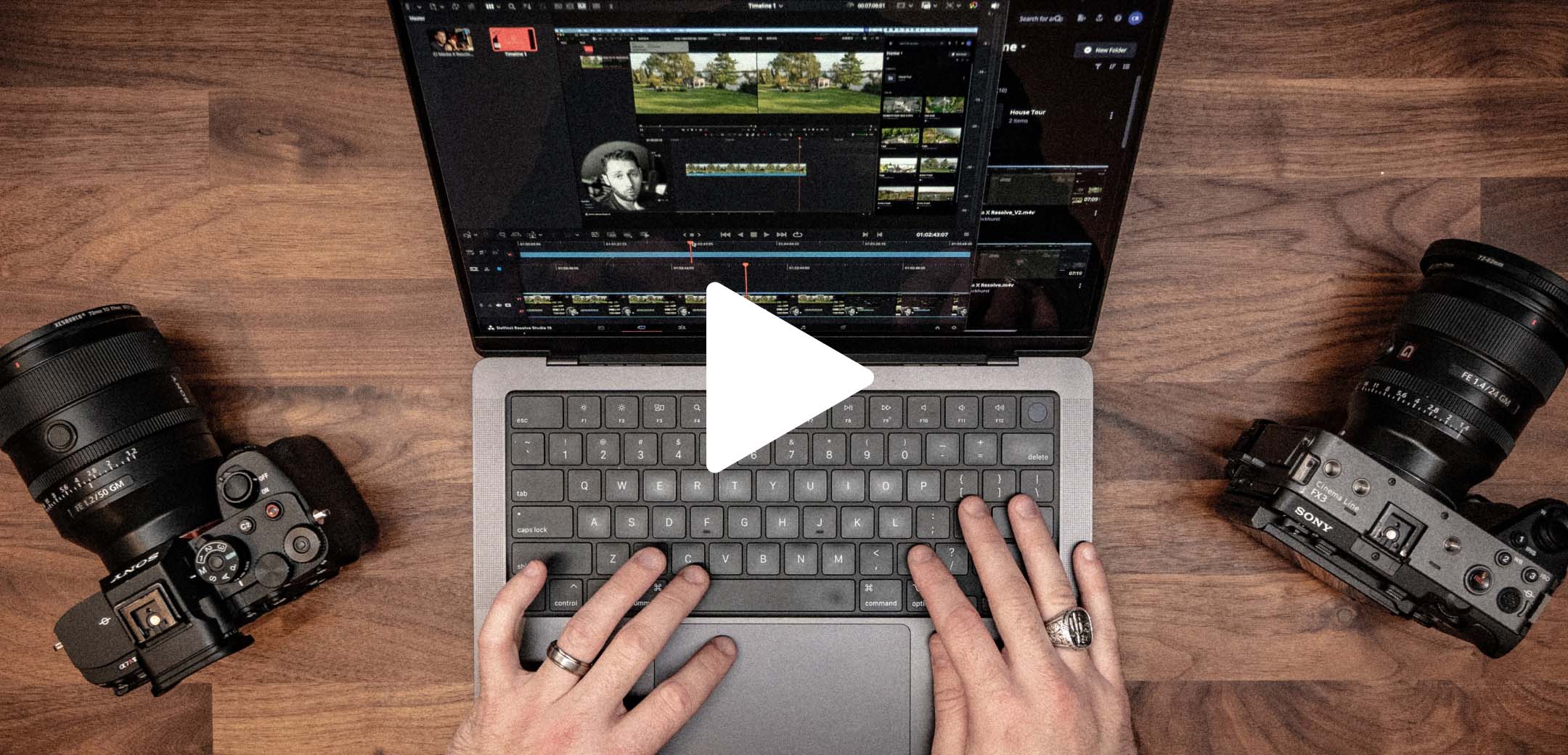
Drag, drop, and edit with ease
Watch content creator Chris Brockhurst demo the Ci Media Cloud panel in DaVinci Resolve Studio.
See the video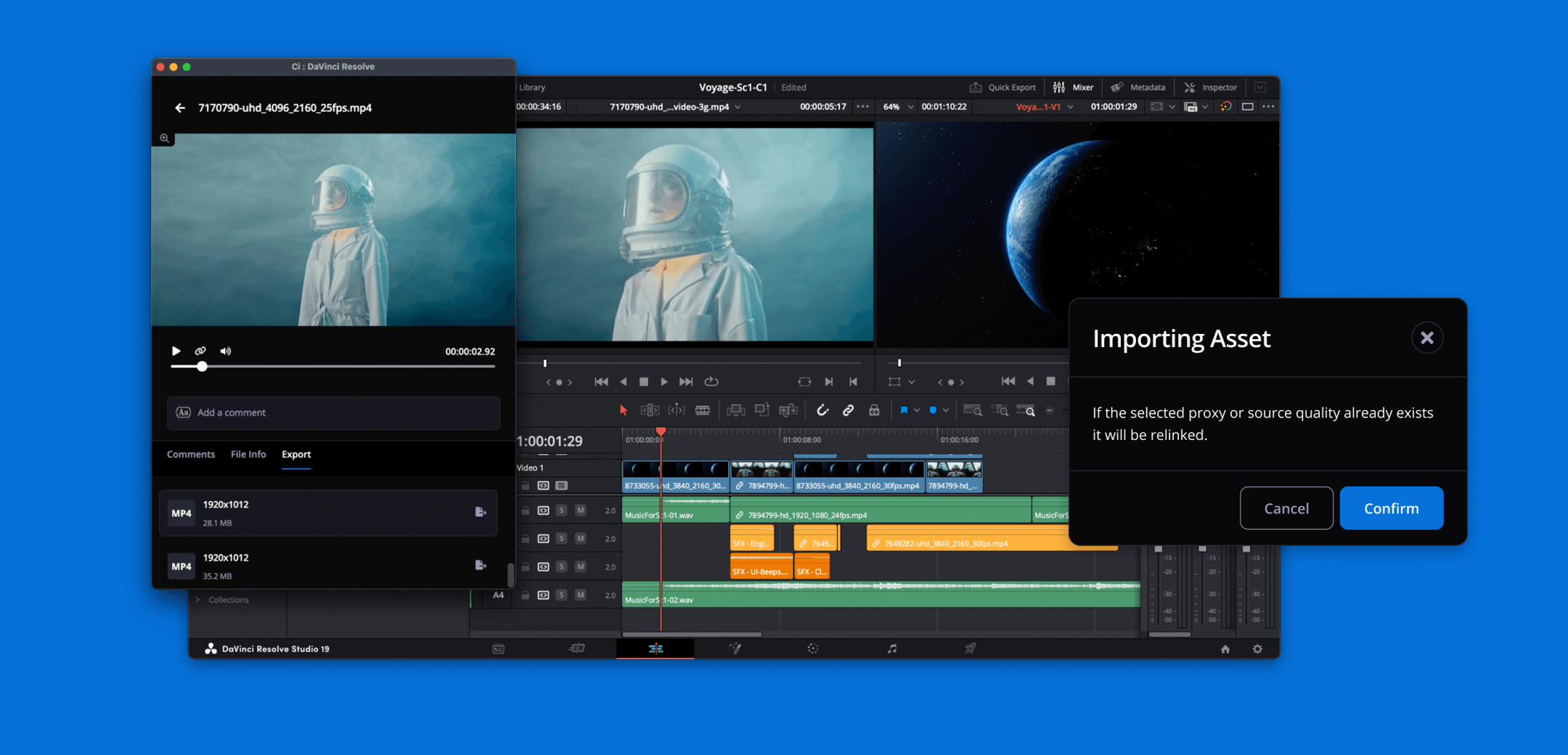
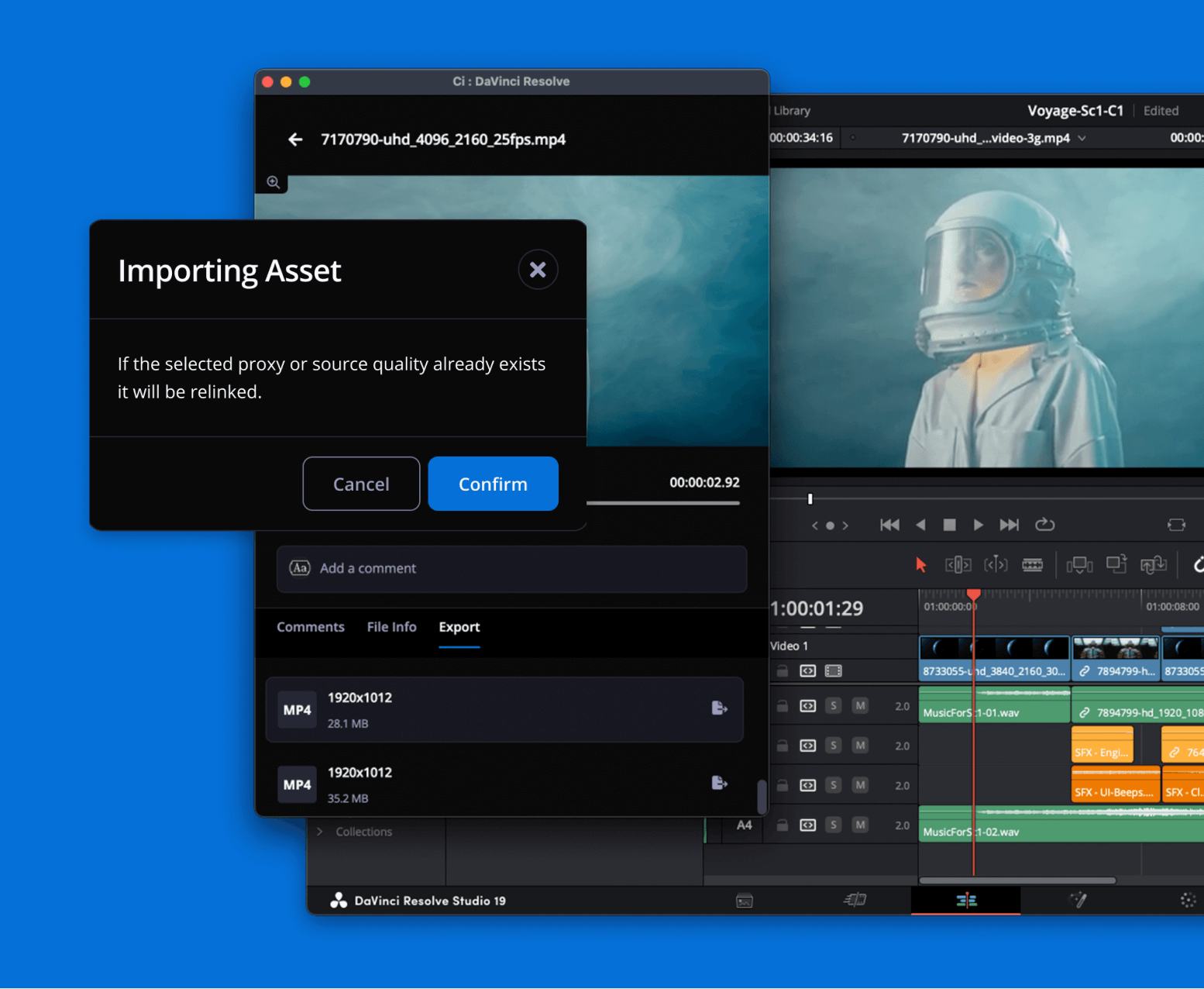
Proxy Workflow
Automatically relink proxy files with their source files in Ci to generate high-resolution preview renders.
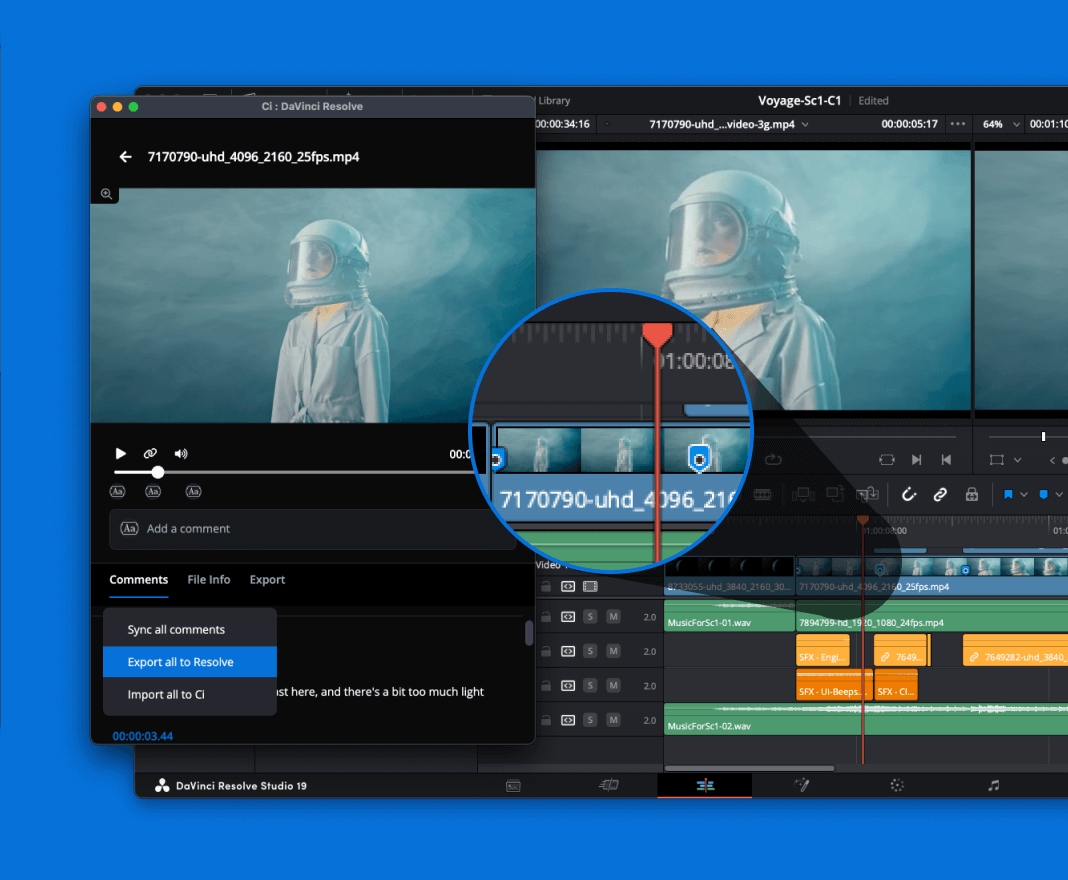
Comment Synchronization
Transfer comments from Ci as timeline markers for streamlined feedback management.
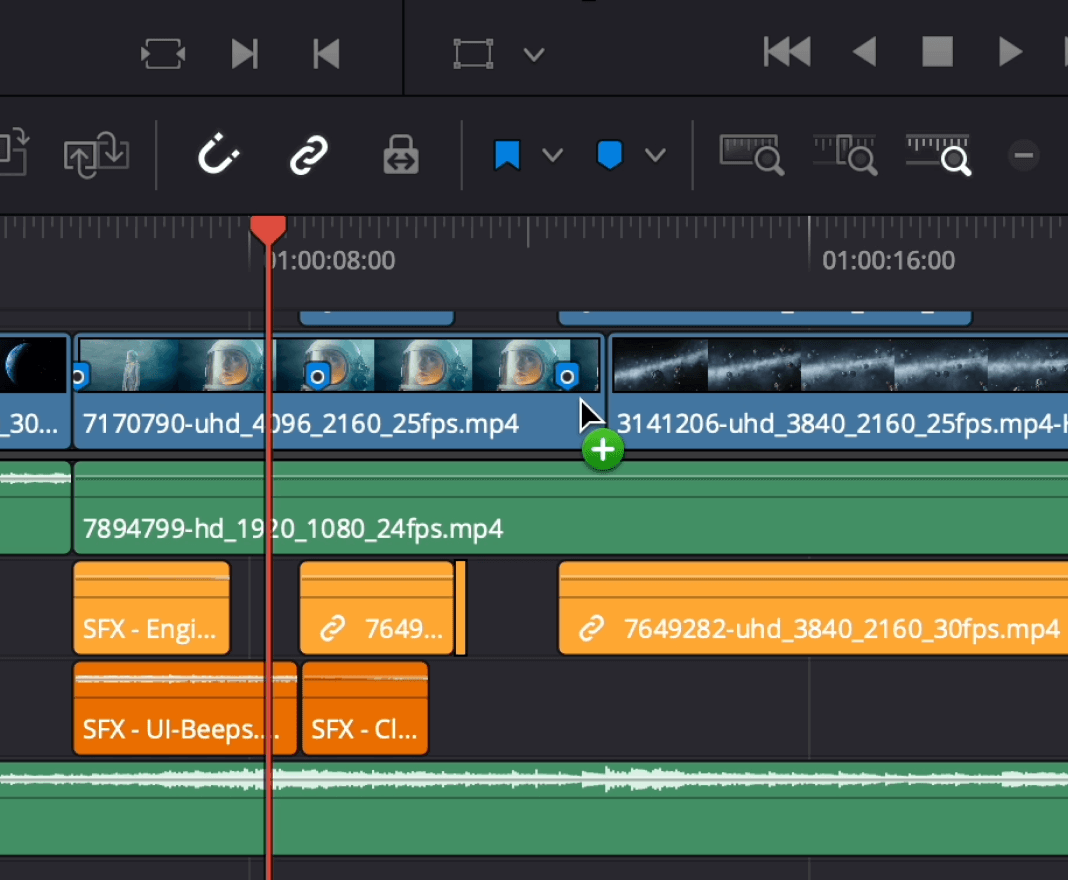
Drag-and-Drop Integration
Seamlessly import files into your Media Pool or timeline using simple drag-and-drop functionality.
Requires DaVinci Resolve Studio 19.1 and above.
Not compatible with free DaVinci Resolve.
End User License Agreement 3rd Party Software Attributions
Marquis Medway for AVID
Automate and accelerate file acquisition
Learn more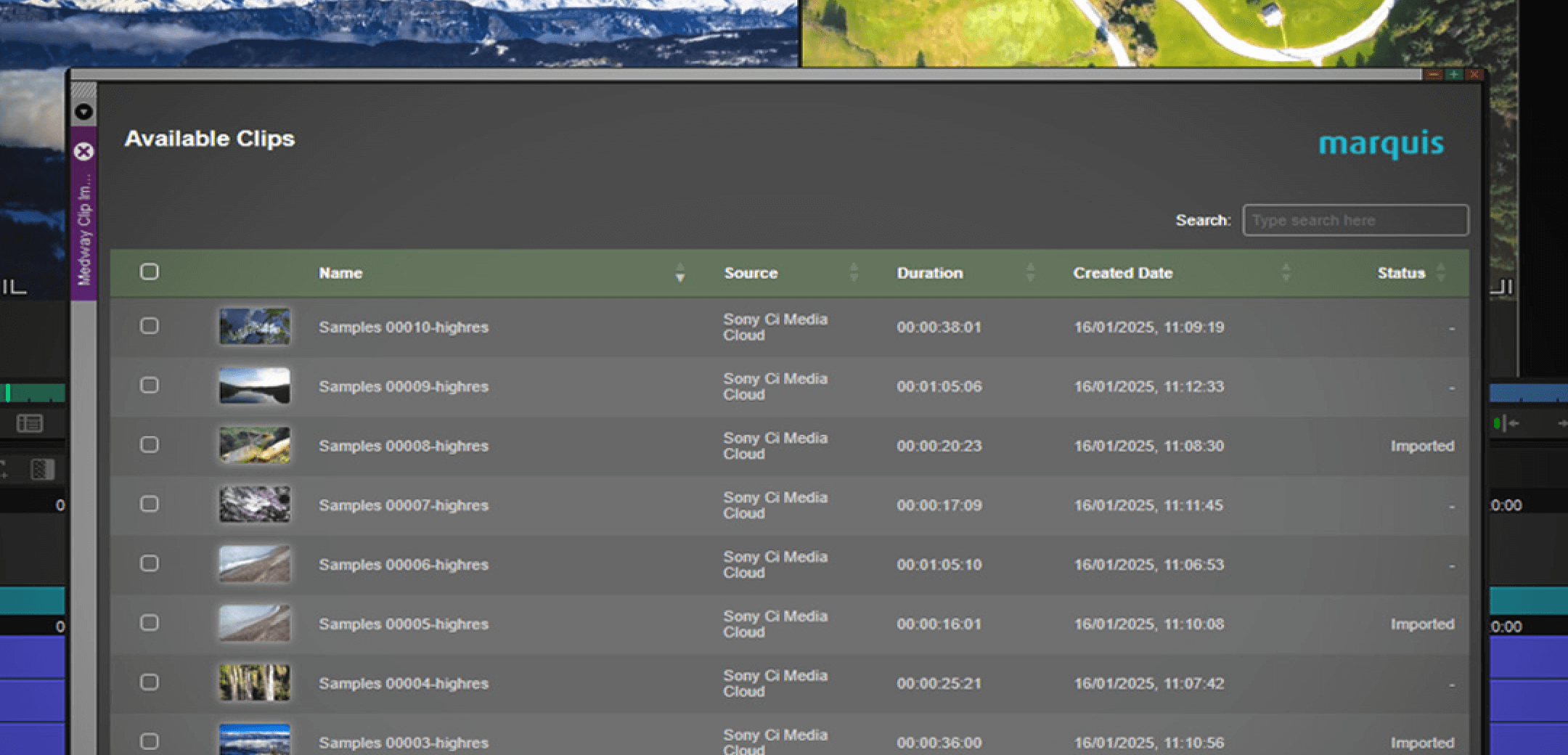
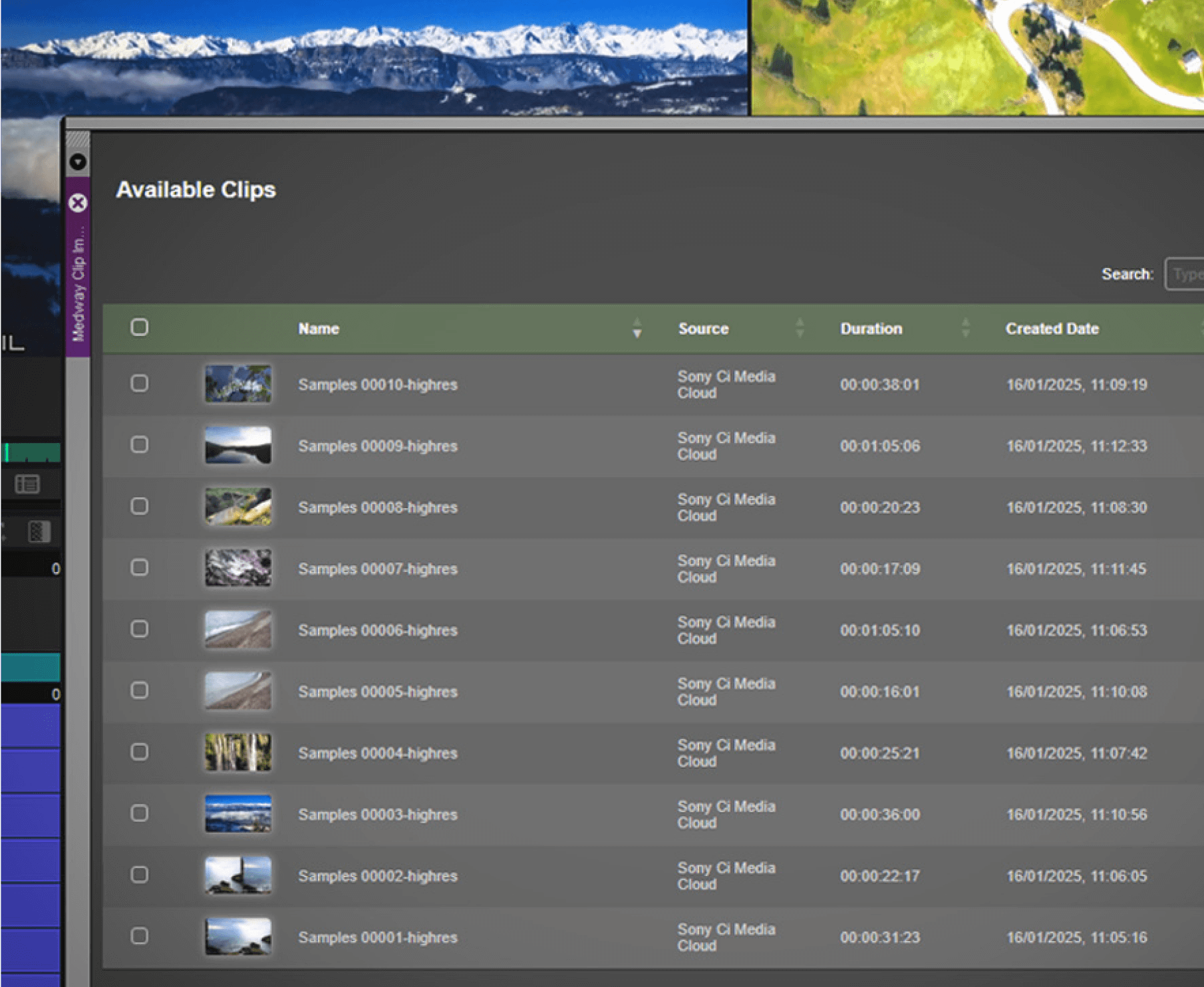
- Media Management Import and export both media files and metadata through seamless Avid integration.
- Automated Ingest Import and export both media files and metadata through seamless Avid integration.
- Browser-Based Access Automatically retrieve and distribute content stored in Ci to NLEs and video servers.
On-set & dailies workflow

Pomfort Silverstack Lab
Deliver footage and dailies faster from Silverstack Lab
Learn more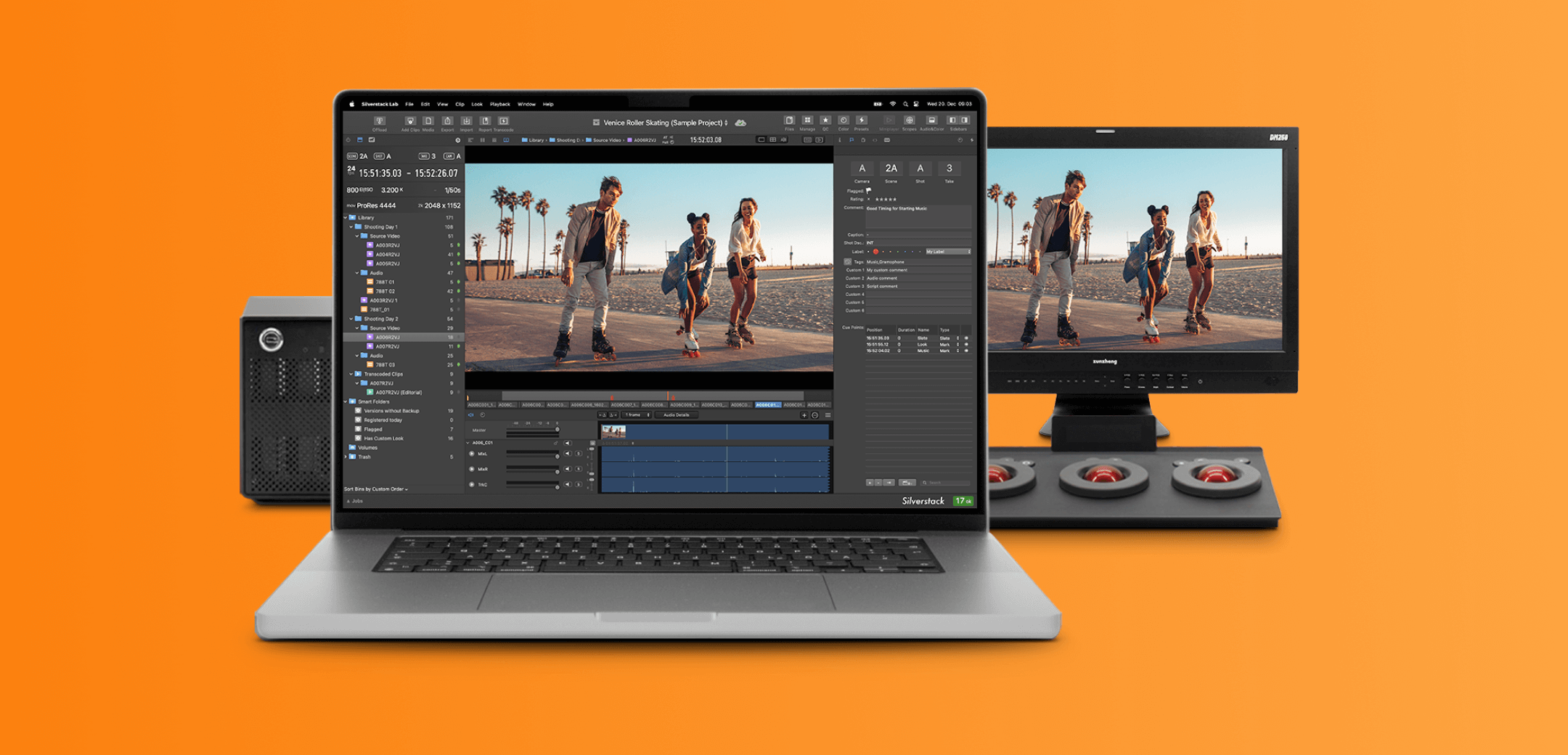
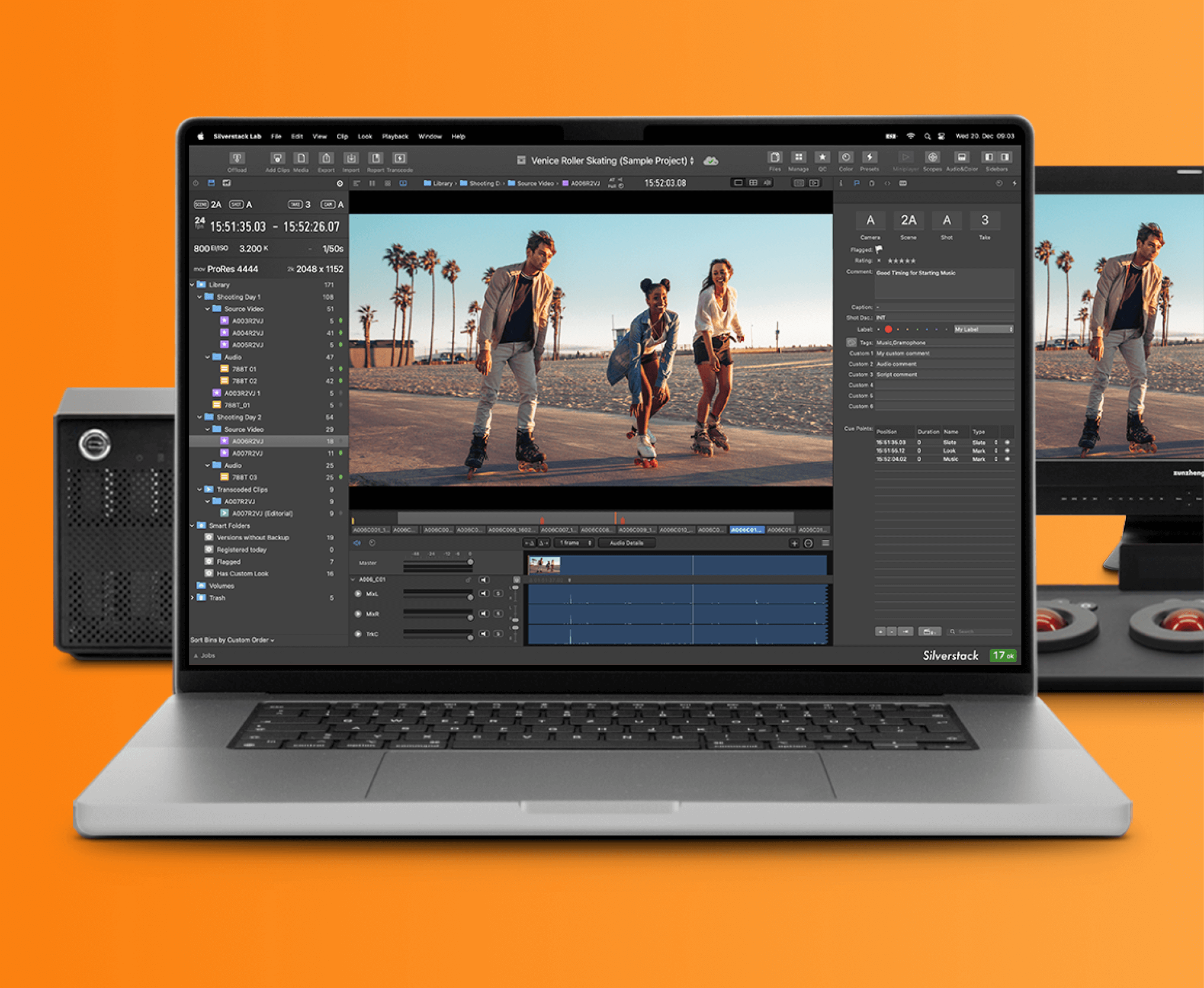
- File Delivery Upload footage and dailies directly from Silverstack Lab to Ci with accelerated speed.
- Remote Transfer Streamline file transfers from set locations with simplified workflow.
- Direct Integration Send clips automatically from Silverstack Lab to designated Ci folders.
- Team Review Enable immediate dailies review for remote team members.
Pomfort Reeltime Pro
Share live and playback signals to Ci for instant collaboration
Learn more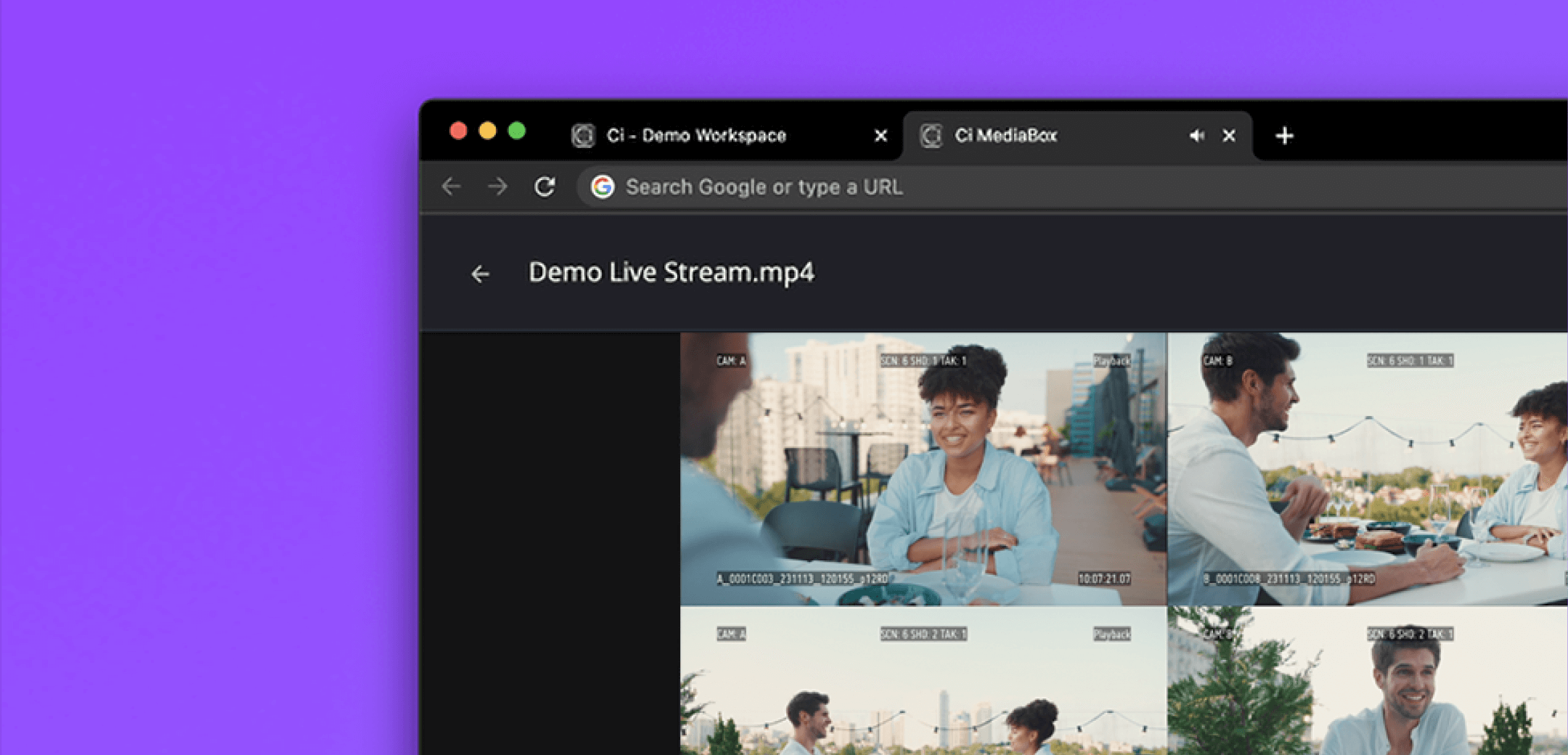
- Live Streaming Share live camera feeds and playback signals directly to Ci for immediate collaboration.
- Customized Multi-Camera View Create personalized views combining multiple cameras with metadata overlays using Reeltime Pro.
- Browser-Based Access View all streams from any web browser through Ci Workspace.
- Secure Sharing Distribute live streams to guests instantly using MediaBox share-links.
Camera-to-Ci
Looking for ways to instantly get your images from set to clients and partners? Whether you’re shooting on Sony BURANO or a non-Sony DSLR, Sony and Ci offer tools that help you get your footage from your camera to the cloud in just a few easy steps.